
iPhone 17 Charging Guide — Everything You Need to Know
Charging your iPhone 17 properly helps keep your battery healthy, fast, and reliable over the long term. This guide explains how to charge it, what chargers and cables to use, how fast it charges, and how to keep your battery in good condition.
Supported Charging Methods
1. Wired Charging
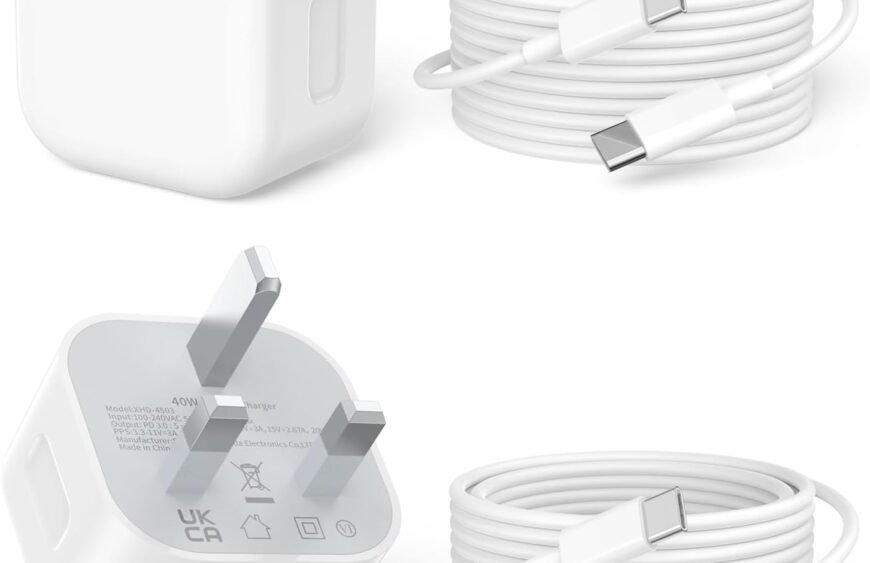
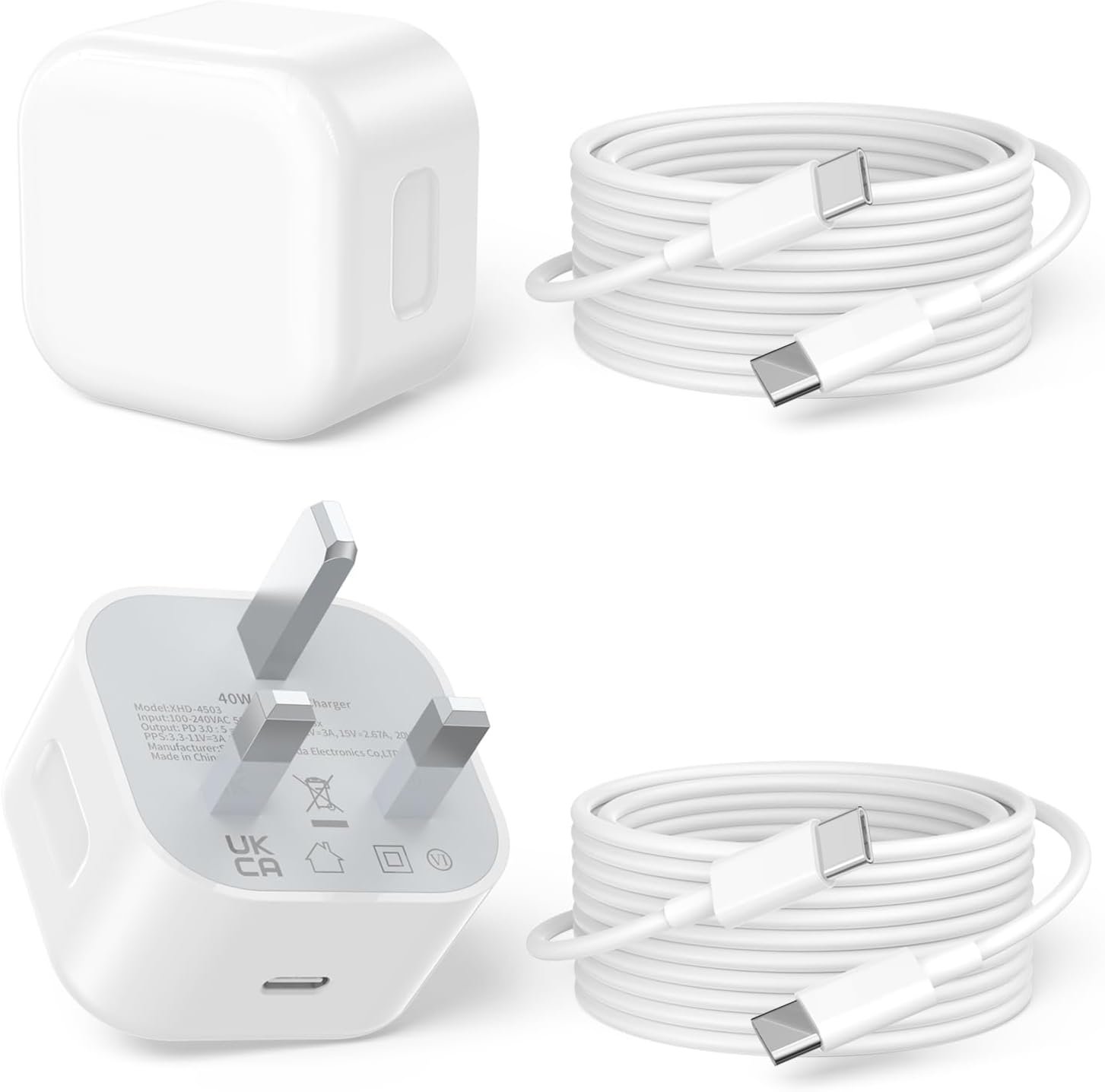
You can charge the iPhone 17 by plugging a USB‑C cable into the phone and a compatible power adapter.
- Cable: USB‑C to USB‑C (included or certified)
- Adapter: USB‑C power adapter (sold separately)
For fastest wired charging, Apple recommends using a 20W or higher USB‑C power adapter. When you use a higher‑wattage adapter (like 30W, 35W, 45W), the iPhone 17 will still draw the optimum power it’s designed for — typically up to around 27W–30W peak for fast charging.
Estimated Speeds (Approximate):
- 0–50% in ~30 minutes with a 20W+ adapter
- 0–100% in ~90 minutes depending on charger and conditions
Charging speed can vary based on battery temperature, usage during charge, and cable quality.
2. Wireless Charging
The iPhone 17 supports Qi‑standard wireless charging and more advanced wireless systems like MagSafe.
- Qi Wireless Chargers: Standard wireless pads (5W–7.5W)
- MagSafe Wireless Chargers: Align with built‑in magnets for faster wireless charging (up to about 15W)
- MagSafe Battery Packs: Magnetic power bank that attaches to the back of the iPhone 17
To get the best wireless charging speeds:
- Use MagSafe‑certified chargers (Apple MagSafe or third‑party certified).
- Ensure the phone is centered on the charging pad.
- Remove very thick or metallic cases.
3. Charging with a Power Bank
Portable power banks with USB‑C output can charge the iPhone 17 on the go. Choose a power bank that supports PD (Power Delivery) with at least 18W–30W output for efficient charging.
When using a power bank:
- Use a high‑quality USB‑C to USB‑C cable.
- Ensure the power bank has enough capacity (e.g., 10,000–20,000 mAh) for multiple charges.
4. Car Charging
You can charge the iPhone 17 in a vehicle using a USB‑C car charger with Power Delivery support. Look for a car adapter rated 20W or higher for better charging speeds.
Tips to Charge Faster
Even if the iPhone 17 has fast‑charging capability built in, you can help it charge more efficiently:
- Turn on Airplane Mode while charging (reduces background activity).
- Lower screen brightness or keep the phone asleep.
- Remove thick cases that may trap heat.
- Avoid heavy use while charging (gaming, streaming, GPS).
- Use quality cables and certified chargers.
Battery Health & Longevity
iPhones use lithium‑ion batteries that gradually age with use. You can help slow battery wear by:
- Avoiding extreme heat while charging (keep it off hot surfaces).
- Charging in moderate temperatures (16–22 °C is ideal).
- Not keeping the phone at 100% or 0% for long periods.
- Using the “Optimized Battery Charging” feature in Settings → Battery → Battery Health to reduce time spent at full charge.
Safety Considerations
- Use certified chargers and cables (Apple or MFi‑certified) to avoid damage.
- Avoid cheap, uncertified chargers that may not regulate power properly.
- Do not use the phone in extremely hot or damp environments while charging.
Does iPhone 17 Support Reverse Charging?
As of now, the iPhone 17 does not natively support reverse wireless charging (charging other devices by placing them on the back). However, you can use MagSafe battery packs and accessories designed for iPhones.
Quick Charging Checklist
- Use USB‑C to USB‑C cable
- Pair with a 20W+ USB‑C Power Delivery charger for fastest wired charging
- Use MagSafe charger (15W) for faster wireless charging
- Keep software updated for best battery performance
- Activate Optimized Battery Charging to preserve battery health
If you want, tell me your current charger rating (e.g., 20W, 30W) and I can suggest whether you should upgrade for faster charging and which specific chargers will work best with your iPhone 17.
