

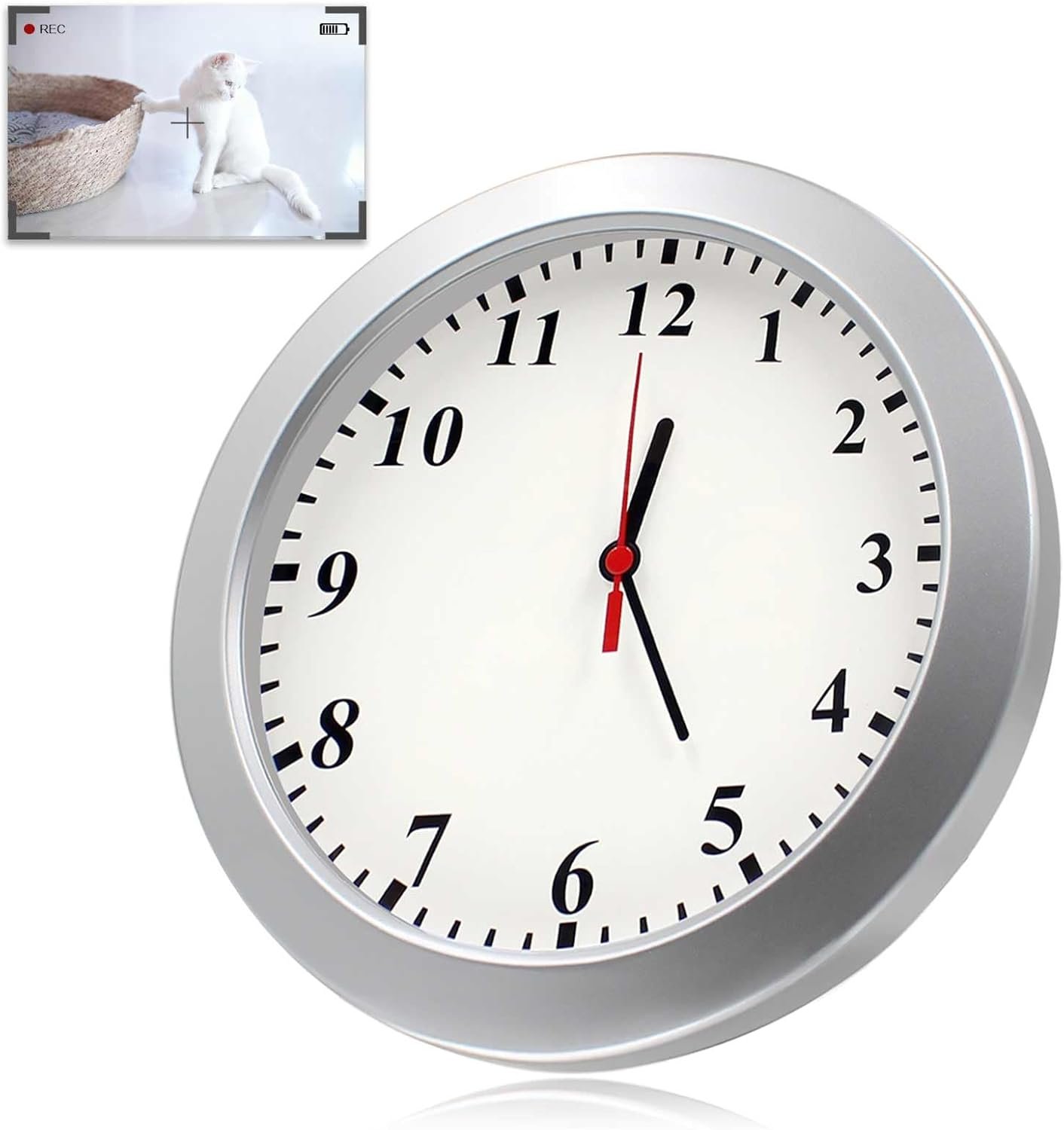
Mini Camera Wall Clock Cameras — Complete Guide to Hidden Surveillance and Home Security
A mini camera wall clock camera is a discrete surveillance device built into what looks like an ordinary wall clock. These clocks function like regular timepieces but have a hidden camera embedded in them to record video (and often audio) without drawing attention. They’re increasingly popular for home security, childcare monitoring, elder care, office surveillance, and general property protection — all while blending seamlessly into everyday decor.
This guide explains how these devices work, their features, benefits, legal and safety considerations, placement tips, and how to choose the right one for your needs.
What a Mini Camera Wall Clock Camera Is
A mini camera wall clock camera combines two functions:
- Clock Function: It displays time like a normal wall clock — battery powered or electric — and often uses silent or quiet sweep mechanisms so the clock doesn’t make noticeable ticking sounds.
- Hidden Camera: Within the clock housing is a mini camera lens that can record video either continuously, on schedule, or only when motion is detected. Some models also capture audio.
The camera and storage electronics are usually hidden behind the clock face or built into the frame so most people don’t notice anything unusual.
How Wall Clock Cameras Work
Recording Modes
Mini camera wall clocks typically support multiple recording modes:
- Continuous Recording: The camera records 24/7 while the storage device (internal memory or SD card) has space.
- Motion Detection Recording: The camera only records when movement is detected, saving storage space and making playback easier.
- Scheduled Recording: You set specific times for the camera to record automatically.
Power & Connectivity
These clocks can be:
- Battery-powered: Works without wiring, ideal for areas without easy power access. Battery life varies by usage mode.
- Plug-in / DC Adapter: Continuous power for longer recording.
- Rechargeable Battery + Plug Option: Hybrid models combine portability with long-term use.
Storage and Access
- Micro SD Card: Most models store video locally on a memory card (e.g., 32GB, 64GB, 128GB).
- Cloud or Network Storage: Some advanced models connect to Wi-Fi and upload clips to cloud services or support remote viewing via smartphone apps.
Remote Access
Many Wi-Fi-enabled wall clock cameras let you:
- Watch live video remotely
- Receive motion alerts
- Download snapshots or clips
- Control settings from an app
This makes them more versatile for long-distance monitoring.
Common Features to Look For
1. Video Quality
- 1080p (Full HD) or higher: Clear image for identifying faces and details.
- Wide-angle lens: Covers a broader area with fewer blind spots.
2. Motion Detection & Alerts
Smart motion detection triggers recording or alerts only when movement is detected, reducing unnecessary footage and extending battery life.
3. Night Vision
Infrared (IR) LEDs let the camera capture usable video in low light or darkness — useful for nighttime monitoring.
4. Audio Recording
A built-in microphone lets you record sound along with video, though legal rules about audio recording vary by location (see Legal section).
5. Wi-Fi & App Connectivity
Wireless access lets you view footage in real time, receive alerts, and manage recordings through a smartphone or computer.
6. Storage Capacity
Check maximum supported SD card size and whether older footage automatically overwrites when storage fills up.
7. Clock Quality
A good clock mechanism is important — silent movement and accurate timekeeping ensure the device both looks and functions like a regular clock.
Benefits of Using a Mini Wall Clock Camera
Discreet Surveillance
The camera is hidden in an everyday object that doesn’t draw attention, ideal for monitoring without being obvious.
Dual Functionality
You get timekeeping plus surveillance in one device — no need for separate clocks and cameras.
Easy Installation
Most models hang on a wall like any clock, with no complex wiring or drilling required.
Peace of Mind
Use it to:
- Monitor children or babysitters
- Keep an eye on elderly relatives
- Watch over pets when you’re away
- Record entryways or common areas in your home
- Keep offices, shops, or reception areas under surveillance
Remote Monitoring
Wi-Fi models let you check live video or receive alerts from anywhere.
Best Placement Ideas
To maximize effectiveness, consider placing your mini camera clock:
- Living room or hallway: central shared spaces
- Entrance or foyer: capture who enters/exits
- Nursery or playroom: monitor kids safely
- Home office or study: protect valuables
- Kitchen or family room: high-traffic areas
Avoid placing it too high or too low — aim for eye-level coverage of the area you want to monitor.
Legal and Ethical Considerations
Privacy laws vary widely depending on your country or region. General rules include:
- Private property: You may record video in areas you own/rent, but audio recording often has stricter rules.
- Consent: In many places, recording audio without consent is restricted or illegal — especially in private spaces.
- Public vs. Private: Recording in public common areas (guest rooms, hallways in rental units) may have regulations.
Always check local laws before recording, especially audio — and disclose recording when required by law and ethics.
Safety Tips
- Ensure the clock is securely mounted to avoid falls.
- If using Wi-Fi features, secure your home network with strong passwords to prevent unauthorized access.
- Regularly check and update firmware if the device supports it to address security vulnerabilities.
- Use motion detection and alerts to minimize unnecessary recordings.
Pros and Cons
Pros
- Blends into decor; not obvious as a camera
- Easy installation
- Combines two functions (clock + camera)
- Many models offer remote access and alerts
Cons
- Hidden cameras raise privacy concerns and legal responsibilities
- Battery models require periodic charging
- Not a replacement for professional alarm systems or high-end security cameras in high-risk environments
How to Choose the Right Model
1. Define Your Purpose
Is this for pets, baby monitoring, general home security, or office surveillance? Your use case helps determine required features (night vision, audio, app control).
2. Choose the Right Connectivity
- Wi-Fi & App-Enabled: best for remote viewing
- Local SD Only: simpler, no connectivity needed
3. Check Video Specs
- Aim for 1080p or higher
- Prefer wide-angle lens for broad coverage
4. Evaluate Power Options
- Rechargeable battery for flexible placement
- Power adapter for continuous use
5. Motion & Night Features
Good motion detection and night vision significantly improve surveillance usefulness.
Summary
A mini camera wall clock camera is a clever, discreet surveillance tool that doubles as a functional wall clock. It offers a mix of convenience, stealth, and monitoring capability for:
- Home security
- Child or elder care
- Pet supervision
- Office monitoring
- Everyday peace of mind
When choosing one, match features — such as video quality, motion detection, night vision, storage, and connectivity — to your needs, and always follow legal and ethical guidelines for recording.
If you tell me where you plan to install it and what features matter most (e.g., remote access, audio, night vision), I can recommend specific options and setup tips.
