
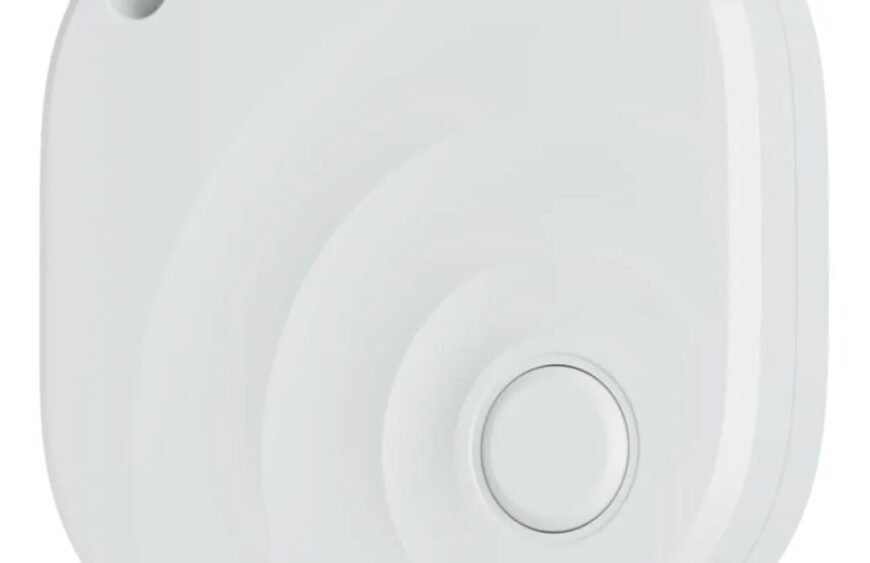
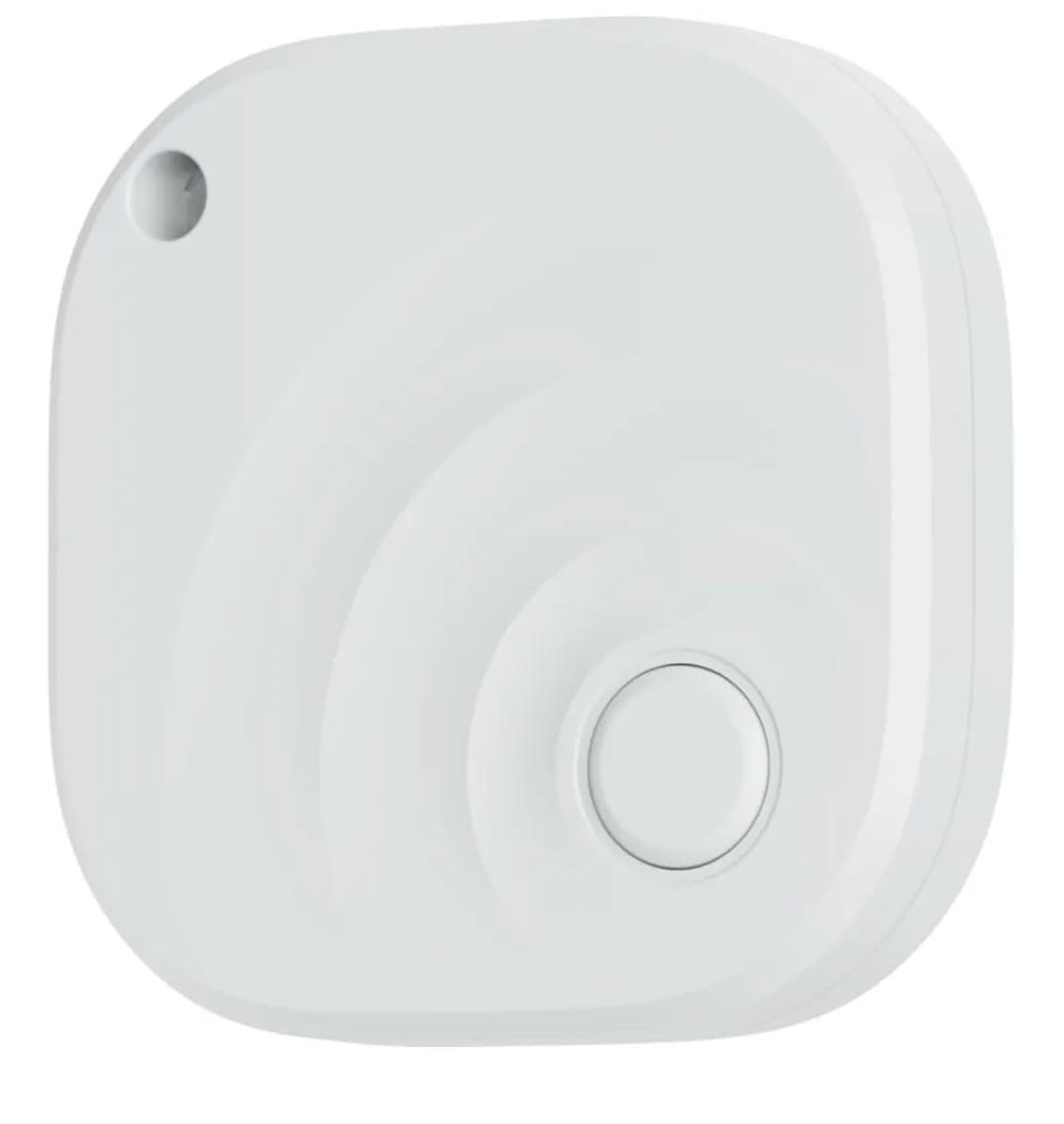
Here’s a clear overview of “AirTag Bluetooth”‑style item trackers — what an AirTag is, how Bluetooth tracking works, and what these devices are used for.
What an AirTag Is
AirTag is a tiny Bluetooth‑enabled item tracker made by Apple that helps you locate everyday items like keys, bags, wallets and other personal belongings. It’s designed to work with Apple’s Find My network to show you where your lost items are on a map.
How It Works (Bluetooth + Find My)
- Bluetooth Low Energy (BLE): AirTag broadcasts a secure Bluetooth signal that nearby Apple devices can detect.
- Find My Network: When another Apple device (iPhone, iPad, Mac, Apple Watch) hears that signal, it anonymously and securely sends location information to iCloud so you can see it in the Find My app.
- Precision Finding: On supported iPhones (with UWB chip), more accurate location guidance—including distance and direction—can be shown when you’re close.
- Lost Mode & NFC: You can mark a tag as lost so you’re alerted if it’s detected. Someone else with a phone can tap it (via NFC) to see your contact info if you choose.
Key Specs (Typical)
- Bluetooth for proximity finding
- Ultra Wideband (UWB) for precise direction and distance (in newer models)
- NFC tap for Lost Mode
- User‑replaceable battery (CR2032 coin cell, typically ~1 year life)
- Water/dust resistance (IP67)
All of which help make the device reliable and durable for everyday use.
Privacy and Security
AirTags are designed with privacy in mind: location data and history are not stored on the device, and Bluetooth identifiers change frequently so only the owner can see the location.
What Bluetooth Tracking Is Used For
Bluetooth item trackers like AirTags are used to:
Finding items at home or nearby
Within Bluetooth range, your phone can ring the tracker or show approximate location.
Locating lost or misplaced items further away
The Find My network leverages millions of Apple devices to update the tag’s last seen location on your map even when you’re not nearby.
Making everyday life easier
People use them for:
- Keys
- Backpacks or wallets
- Luggage
- Pets with harness attachments
- Bikes Tracking just requires Bluetooth and the Find My app on an iPhone or other Apple device.
Important Things to Know
Not GPS or Cellular
AirTags don’t have GPS or cellular data. They use Bluetooth to communicate with nearby Apple devices and rely on that crowd‑sourced network for location updates.
Requires Apple Ecosystem
To fully set up and track an AirTag, you need an iPhone or iPad with the Find My app and an Apple ID. They won’t fully work as intended with Android devices.
Range Limitations
Bluetooth is short‑range (often tens of metres) for direct connections. For broader tracking, the tag must be detected by nearby Apple devices to relay its location.
Summary
An AirTag is a small Bluetooth Low Energy item tracker from Apple that helps you locate personal items using Bluetooth and Apple’s Find My network. It’s lightweight, battery‑powered, and integrates seamlessly with iPhones and other Apple devices to show where your things are on a map.
If you’re interested, I can also explain third‑party Bluetooth trackers (like Tile or Chipolo) and how they compare with AirTags. Would you like that?
