
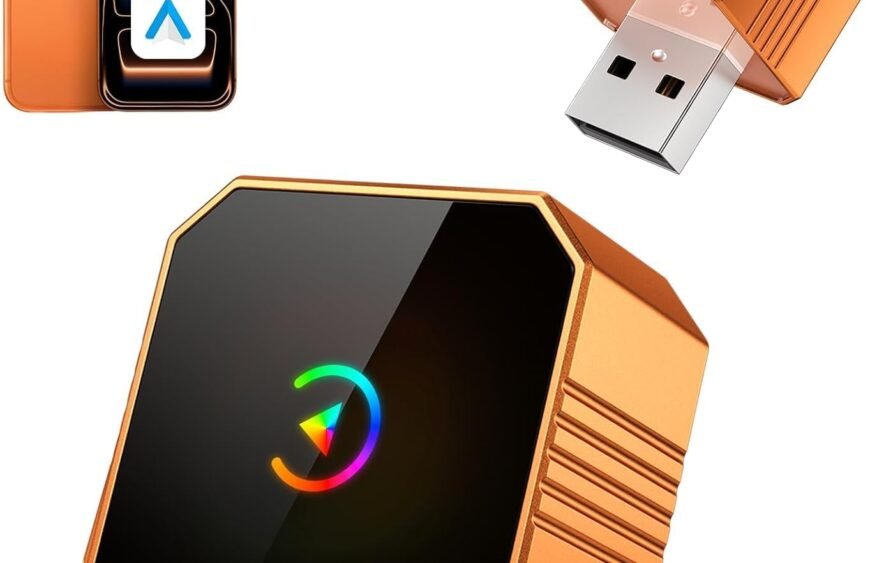
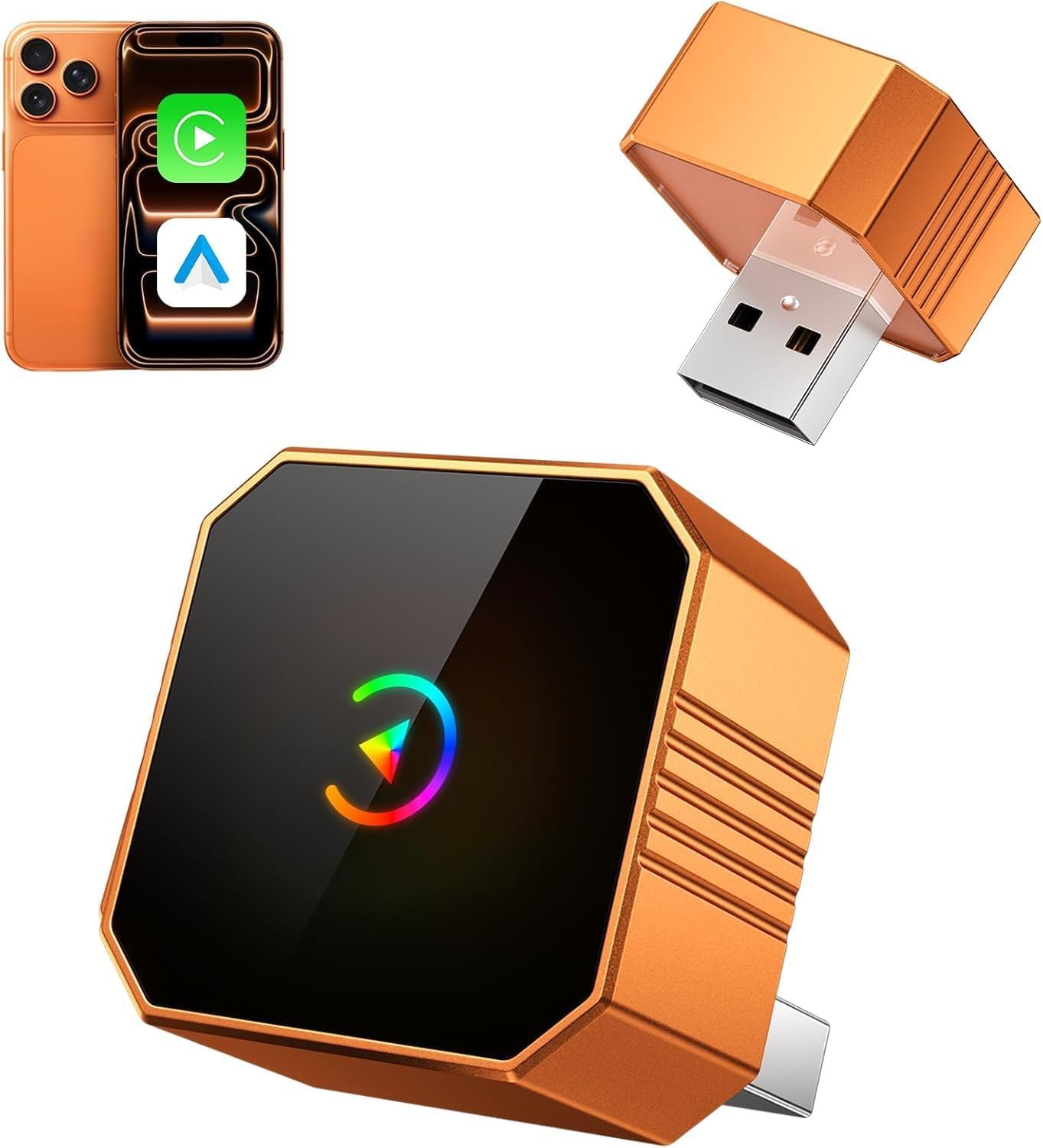
Wireless CarPlay Adapter — Cable‑Free Apple CarPlay for Your Car
A wireless CarPlay adapter is a device that converts a car’s wired Apple CarPlay connection into a wireless one, so your iPhone can connect to your car’s infotainment system without plugging in a Lightning cable. It makes CarPlay more convenient — especially if you use your phone for navigation, music, calls, and messages frequently while driving.
Wireless CarPlay adapters are small USB dongles that plug into the same port your car uses for wired CarPlay and create a Bluetooth/Wi‑Fi connection between your iPhone and the car. Once set up, the adapter usually connects automatically when you get into the car.
How a Wireless CarPlay Adapter Works
- Plug into USB Port:
Insert the adapter into the USB port that normally activates CarPlay when you connect your iPhone by cable. - Initial Pairing:
On first use, pair your iPhone with the adapter via Bluetooth or Wi‑Fi, depending on model. - Automatic Connection:
After pairing, your iPhone will connect wirelessly to CarPlay whenever you start the car and have Bluetooth/Wi‑Fi turned on.
Inside, the adapter handles the communication between your phone and the car’s system, replacing the physical cable with a wireless connection.
Benefits of Using a Wireless CarPlay Adapter
1. Cable‑Free Convenience
No plugging and unplugging your phone every time you drive. Your iPhone connects automatically once paired.
2. Cleaner Interior
Without a cable running to your phone, the dashboard and center console look neater and are easier to use.
3. Less Wear on Your Phone Port
Reducing the number of times you insert and remove a cable can help preserve your Lightning connector.
4. Hands‑Free Access to CarPlay Features
Get navigation, music, messages, calls, and apps without handling your phone.
5. Works with Existing Factory CarPlay Systems
Wireless adapters leverage the car’s existing wired CarPlay capability. They don’t replace the car’s head unit — they add wireless support.
Common Features
Auto‑Reconnect
Many adapters reconnect automatically when the car starts and the phone is in range.
Compact Plug‑and‑Play Design
Most models are simple USB dongles with no external antennas or cables.
Bluetooth and Wi‑Fi Support
Bluetooth handles initial pairing and simple communication, while Wi‑Fi carries the CarPlay data for smoother video and responsiveness.
LED Status Indicators
Lights on the adapter often show power and connection status.
Multi‑Phone Support
Some adapters can store multiple phone pairings so different drivers can connect without redoing setup.
Things to Know Before Buying
Only Works If Your Car Has Wired CarPlay
Adapters convert existing wired CarPlay to wireless. If your car doesn’t support CarPlay at all, a wireless adapter won’t add it.
Compatibility Varies
Not every wireless CarPlay adapter works with every car model. Some cars may require specific adapters or firmware updates. Always check that the adapter supports your car make, model, and year before purchase.
Connection Quality
Wireless CarPlay may feel slightly less responsive than wired — especially if Bluetooth/Wi‑Fi signal strength fluctuates. In most cases, it works smoothly for navigation and media, but occasional lag can occur.
Battery Usage
Wireless CarPlay can use more phone battery than wired CarPlay because of the wireless connection. Using a car charger alongside can help keep your phone charged.
Pros and Cons
Pros
- No cable required
- Automatic connection after setup
- Keeps the car interior tidier
- Compatible with existing CarPlay systems
Cons
- Requires an initial setup
- Wireless connection may be slightly slower than wired
- Must confirm compatibility with your car
Setup Tips
- Pair Once: Perform the pairing and Wi‑Fi setup cycle only once per phone. After that, reconnection is automatic.
- Turn On Bluetooth and Wi‑Fi: Wireless CarPlay requires both Bluetooth and Wi‑Fi on your iPhone.
- Restart If Needed: If CarPlay fails to connect, restarting the car and your phone often fixes it.
- Use a Home Screen Shortcut: Some adapters provide an app; placing a shortcut on your home screen speeds up settings adjustments.
Everyday Use Scenarios
Daily Commuting
Get directions, traffic updates, and music without handling your phone or cables.
Rideshare Driving
Easily connect and disconnect between multiple drivers without every‑day cable hassles.
Family Cars
Different family members with iPhones can connect wirelessly once paired.
Long Trips
Enjoy extended navigation and music streaming without worrying about wear and tear on phone cables.
Final Thoughts
A wireless CarPlay adapter is a practical accessory if you want true cable‑free Apple CarPlay in a car that already supports the feature with a USB cable. It enhances convenience, makes your cockpit cleaner, and helps you access CarPlay functions effortlessly on the go.
If you’d like, I can explain how to check compatibility for your exact car model (make, year, and infotainment system). Just let me know your car details!
