
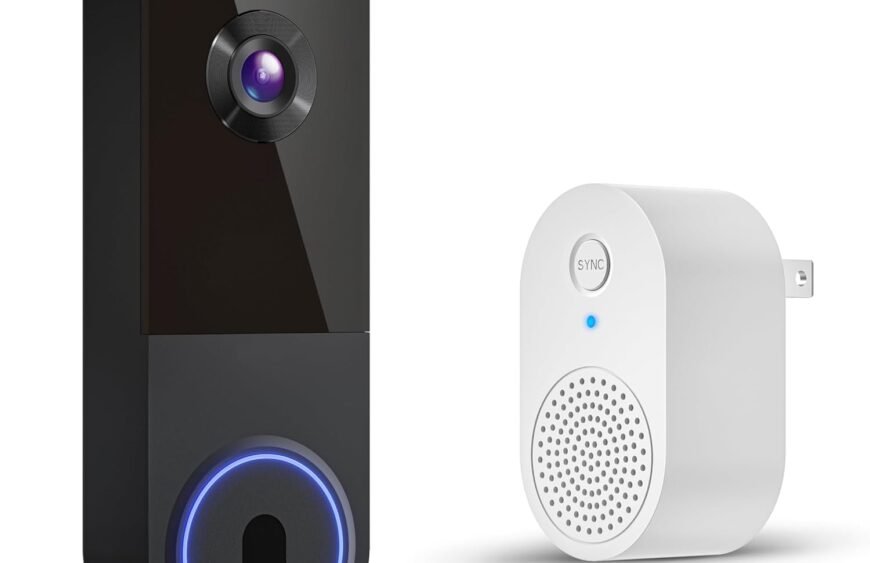
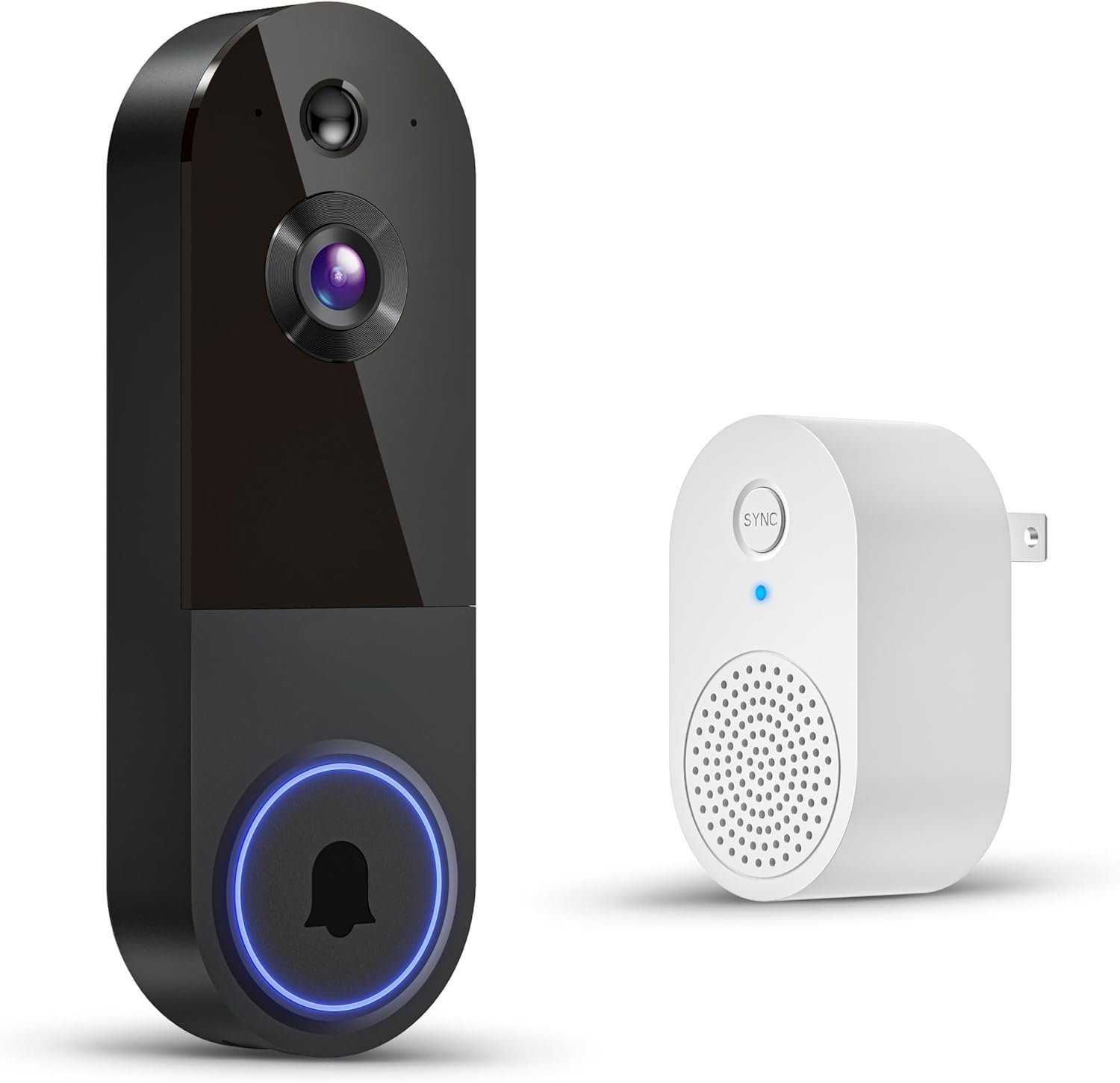
Wireless Wi‑Fi Video Doorbell Camera — Complete Guide
A wireless Wi‑Fi video doorbell camera is a smart home device that lets you see, hear, and speak to visitors at your door using your smartphone, tablet, or smart display — all without running doorbell wiring. It combines motion‑activated video, two‑way audio, and wireless connectivity so you can monitor and secure your front entry, package deliveries, and visitors in real time.
This detailed guide covers how it works, key features, installation, benefits, and what to look for when choosing one.
What a Wireless Wi‑Fi Video Doorbell Camera Is
A wireless Wi‑Fi video doorbell camera is a compact device installed near your front door that connects to your home Wi‑Fi network. It replaces (or complements) a traditional doorbell button and adds a built‑in camera and speaker/microphone so you can interact with visitors remotely.
Instead of only hearing a chime inside the house, you get video alerts and live streaming on your phone whenever:
- Someone presses the doorbell
- Motion is detected at your doorstep
- Packages are left at your porch
This gives security, convenience, and peace of mind whether you’re home or away.
How It Works
1. Wi‑Fi Connection
The doorbell connects to your home’s Wi‑Fi network so it can transmit video and audio to your mobile device via an app.
2. Camera & Motion Detection
Most models include:
- A wide‑angle camera for broad field of view
- Motion sensors to detect people (and often vehicles or packages)
When motion is detected, the doorbell sends an alert to your phone.
3. Two‑Way Audio
Built‑in speaker and microphone enable real‑time conversation. You can:
- Tell a delivery person where to leave a package
- Speak to a visitor without opening the door
- Deterrent warning to strangers
4. Cloud or Local Storage
Video clips can be stored:
- In the cloud (subscription plans often required)
- Locally on a microSD card (if supported)
This lets you review activity history later.
Key Features to Look For
Here are the most important capabilities to consider when choosing a wireless Wi‑Fi video doorbell camera:
Video Quality
Look for 1080p resolution (Full HD) or higher for clear details. Some models offer 2K or 4K resolution.
Field of View (FOV)
A wide viewing angle (120°–180°) helps you see more of your porch and surroundings.
Night Vision
Infrared LED or color night vision helps you see clearly in low light.
Motion Detection Alerts
Smart alerts notify you when someone approaches, even if they don’t ring the bell.
Two‑Way Audio
Clear communication lets you talk to visitors from your phone.
Power Source
Wireless models can be:
- Battery‑powered: Easy to install, no wiring needed
- Rechargeable battery: No frequent battery swaps
- Hardwired compatible: Optional connection to existing doorbell wiring for continuous power
Smart Home Integration
Many work with:
- Alexa (show video on Echo Show)
- Google Assistant (integrates with Google Nest displays)
- Apple HomeKit (on compatible models)
Cloud Subscription
Some advanced features (like event history and person detection) require a cloud plan — check pricing and storage limits first.
Weather Resistance
For outdoor use, choose models with a good IP rating (e.g., IP65 or higher).
Benefits of a Wireless Wi‑Fi Video Doorbell Camera
1. Remote Monitoring
See your doorstep anytime from your smartphone — perfect for when you’re away from home, at work, or traveling.
2. Enhanced Security
Know who’s at your door before answering — a powerful deterrent against porch theft, trespassers, and suspicious activity.
3. Motion Alerts
Instant notifications let you react quickly when someone approaches your entrance.
4. Two‑Way Communication
Talk to delivery personnel or visitors without opening the door.
5. Easy Installation
No need for complex wiring — most models install with just a few screws or adhesive mounts.
6. Package Protection
Some systems alert you when packages arrive and can record activity until you retrieve them.
Installation Basics
Tools You Might Need
- Screwdriver
- Drill (for mounting screws)
- Level (for straight placement)
Typical Steps
- Mount the bracket near your front door
- Attach the doorbell unit
- Connect it to your Wi‑Fi network using the app
- Customize motion zones and notification preferences
Setup usually takes 15–30 minutes and doesn’t require electrician help.
Tips for Best Results
Positioning Place the doorbell at eye level and ensure the camera can see the entire entryway.
Wi‑Fi Strength Make sure your front porch has strong Wi‑Fi coverage. If signal is weak, a mesh extender helps.
Motion Zones Set custom motion zones so alerts focus on human presence rather than stray cars or passing pets.
Privacy Zones Some apps let you block areas from recording to respect neighbors’ privacy.
Regular Charging If battery‑powered, recharge batteries periodically based on usage and settings.
Security and Privacy Considerations
- Secure Wi‑Fi: Use a strong, unique Wi‑Fi password.
- Two‑Factor Authentication: Enable it on the doorbell app for extra protection.
- Privacy Zones: Use features that block areas outside your property.
- Firmware Updates: Keep the device updated for best performance and security.
Choosing the Right Model
When comparing models, match them to your needs:
For Basic Monitoring A simple 1080p battery model with motion alerts and two‑way audio is often enough.
For Advanced Security Choose higher resolution (2K/4K), AI (person/vehicle/package detection), and cloud storage.
For Smart Home Users Pick a doorbell that integrates with your ecosystem (Alexa, Google Assistant, or HomeKit).
For Large Front Porches Models with wide fields of view and adjustable motion zones work best.
Everyday Use Scenarios
Package Delivery Get notified when a parcel arrives and speak to the courier if needed.
Unexpected Visitors See who’s at the door without opening it — ideal for safety and convenience.
Nighttime Monitoring Night vision and motion alerts keep watch even in low light.
Family Access Multiple users can receive alerts and view the video feed (if permitted in settings).
Final Thoughts
A wireless Wi‑Fi video doorbell camera gives you real‑time visibility, communication, and security at your doorstep without complex wiring. With motion detection alerts, two‑way talk, smartphone control, and optional cloud storage, it’s a smart, convenient way to protect your home and manage visitors — whether you’re inside or on the go.
If you’d like help choosing a specific model (for example, one with best night vision, long battery life, or smart home integration), tell me your priorities and I’ll tailor recommendations.
